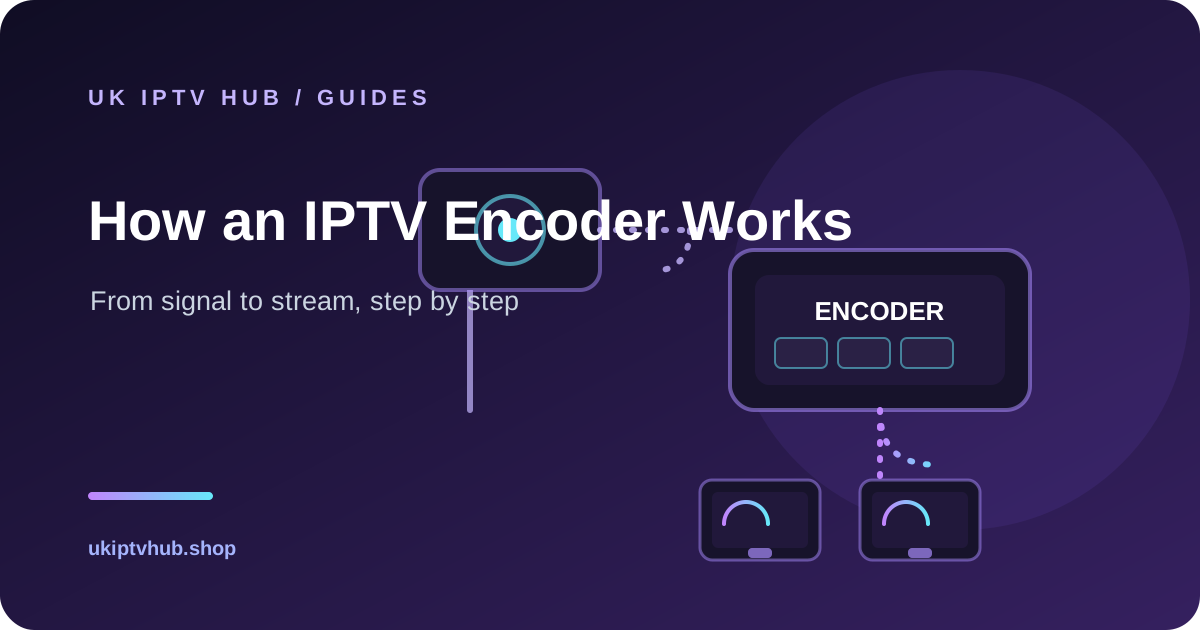
An IPTV encoder is the translator between a traditional video signal and the internet: it takes a live source — a camera, a satellite receiver, an SDI or HDMI output — and converts it into a compressed digital video stream that can travel across an IP network and be watched on a TV, a set-top box, a Firestick or a phone app. Without an encoder, there is no IPTV service: you cannot send a raw broadcast signal over the internet in a form that devices can decode quickly and reliably. This guide explains the encoding process step by step, the difference between the main encoder types, how to size and choose one for a UK deployment, and the practical realities of running an IPTV headend, a hotel system or a small streaming business.
If you are planning an IPTV service in the UK — whether for a hotel, a bar, a church, a hospital, a campus or a small business streaming operation — the encoder is the heart of the system. Getting it wrong wastes money and delivers a poor picture; getting it right gives you stable, low-latency streams your viewers will never think twice about.
What an IPTV encoder actually is
A video encoder is a hardware device or software program that compresses video into a digital format. In an IPTV context, the encoder sits between a video source and your network. It receives the source signal, compresses it using a codec such as H.264 or H.265, wraps it into a transport stream, and pushes it onto your network where an IPTV middleware or server distributes it to end devices.
Think of it like a postal service for live TV. The raw signal is the item you want to send; the encoder packs it into a manageable, labelled parcel (the compressed stream); the network is the postal network; and the middleware is the sorting office that routes parcels to the correct addresses (the TVs, apps and set-top boxes). The encoder is the step that makes the parcel small enough and orderly enough to travel efficiently.
The core job: compression and encoding
The fundamental job of any encoder is to reduce the size of a video signal without wrecking the picture quality. A single uncompressed high-definition video feed can require several gigabits per second of data — far too much for a normal network. The encoder compresses that stream, typically to between 2 and 20 megabits per second for a 1080p channel depending on the codec and quality settings, so that dozens or hundreds of channels can share one network link.
This compression works by exploiting what a viewer does not notice. Video frames look different from one another, but they are also very similar: the background of a news studio hardly changes between frames, even as the presenter moves. Encoders identify these redundancies and store only the parts that change, reconstructing the full picture at the receiving end. They also discard visual detail the human eye is unlikely to notice, which is where the codec's quality settings come into play.
The codecs: H.264 and H.265
The two codecs you will meet most often are H.264 (also known as AVC) and H.265 (also known as HEVC).
- H.264 is the workhorse. It is widely supported by almost every device, from cheap Android boxes to smart TVs and phones, and it offers a good balance of quality and bandwidth. For most IPTV deployments, especially ones that must support many different devices, H.264 is the safest default.
- H.265 is roughly twice as efficient as H.264 at the same quality. It can deliver the same picture at about half the bandwidth, which matters when you are moving many channels or streaming in 4K. The catch is support: H.265 needs a device whose hardware decoder understands it, so it is not universal. Check the devices at the receiving end before committing to H.265.
For 4K content, H.265 is generally the practical choice, because 4K at H.264 bandwidths can be impractical. For standard HD, H.264 is usually the right balance.
The transport stream: wrapping video for the network
Compression produces a raw compressed video stream, but that stream is not yet ready for the network. The encoder wraps it into a transport stream — often an MPEG-TS format — which packages the video and audio together with timing information and error recovery, so a receiver can reassemble the frames in order even if some packets arrive late or out of sequence. For internet delivery, this transport stream is usually further carried inside a streaming protocol such as RTMP, RTSP or HLS, or sent as multicast (UDP) over a managed local network.
Step by step: how the encoding process works
Here is the full path from a live source to a viewable channel, step by step.
1. Capture the source. The video source can be a professional camera, a satellite receiver, an HDMI or SDI output from a computer or media player, or an existing broadcast feed. The encoder connects to this source through its inputs.
2. Convert the signal. If the source is SDI or HDMI, the encoder digitises it into a standard video format the codec can process. If the source is already digital (such as an IP camera feed), the encoder captures it directly.
3. Encode and compress. The encoder applies the chosen codec (H.264 or H.265) and compression settings: resolution, frame rate and bitrate. This is where the quality-versus-bandwidth trade-off is set.
4. Packetise into a transport stream. The compressed video and audio are combined with timing and metadata into an MPEG-TS stream that can survive network delivery.
5. Stream onto the network. The encoder outputs the stream using the protocol your system expects — often RTMP or HLS for internet delivery, or multicast for a local hotel network. The middleware or IPTV server receives it.
6. Distribute to viewers. The middleware organises the channels, applies the electronic programme guide (EPG), manages access, and delivers the streams to the end devices — smart TVs, set-top boxes, apps — which decode and display them.
Each of these steps is standard, but the choices at each step determine the quality, latency and reliability of the final service.
Different sources, different encoder inputs
The right encoder depends on the source you are encoding.
- SDI or HDMI sources. These are the classic broadcast inputs. A studio camera, a production switcher, a satellite set-top box or a computer output all arrive as SDI or HDMI. Hardware encoders with these inputs are robust and low-latency, which is why broadcasters and hotels prefer them.
- IP cameras and IP sources. If your source is already on the network (for example, a network camera), an encoder that accepts IP input can transcode or repackage it. This is common for CCTV-style deployments and for streaming pre-existing digital feeds.
- Software encoders. These run on a computer or server and encode from a capture card or a file. They are flexible and cheaper at small scale, but they depend on the host machine's performance and are generally not as low-latency or as reliable as dedicated hardware for live broadcast use.
Choosing an encoder for a UK deployment
If you are buying an encoder for a hotel, a venue or a small IPTV service, work through these criteria.
1. Number of channels and inputs
Count how many simultaneous channels you need to encode. A single-channel encoder handles one source; multi-channel encoders handle several. A hotel with 20 channels of content needs an encoder or encoder bank that can process all of them at once. Do not buy one channel at a time and assume you can scale cheaply — check the multi-channel capacity and whether it can be expanded.
2. Input types
Match the encoder inputs to your sources. If your sources are satellite set-top boxes, you need HDMI or AV inputs. If you are using professional cameras or a production feed, you need SDI. If you are repurposing IP camera streams, you need IP input support. Getting the input type wrong is the most common buying mistake.
3. Output protocol and compatibility
The encoder's output must match your middleware and end devices. If your IPTV server expects HLS, choose an encoder that outputs HLS. If you are using multicast within a hotel network, choose an encoder that supports UDP multicast. Confirm the protocol before purchase; an encoder that only outputs RTMP may not integrate with your chosen middleware.
4. Resolution and codec support
Decide whether you need 1080p or 4K, and whether H.265 is required. If your end devices are older, stick with H.264. If you are building for 4K, budget for H.265 encoders and confirm the receiving devices decode it.
Want to try it yourself? Get a free 1-day trial.
Watch live channels and on-demand titles on your own screen for a day — before you pay a thing. No card details on this site.
5. Reliability and support
An encoder in a hotel or venue runs 24/7. Look for a reputable brand with a UK or European distributor, firmware updates, and a support path in your time zone. A cheap, obscure encoder that fails at a busy weekend is a false saving.
6. Power and physical setup
Consider where the encoder lives. Rack-mount encoders suit a server room; compact desktop encoders suit a cabinet behind a TV wall. Check power draw, cooling and whether you need a separate power source.
Sizing your network and bandwidth
The encoder creates the streams, but the network must carry them. Use the encoder's bitrate to estimate total bandwidth: if each channel runs at 4 Mbps in H.264, 20 channels need roughly 80 Mbps of sustained network capacity before overhead. For multicast on a local network, that traffic is shared efficiently across all viewers; for internet delivery, multiply by the number of simultaneous remote viewers. Always budget headroom for peaks and for control traffic.
How to start an IPTV business: the basic building blocks
If you are thinking about starting an IPTV service — for a venue, a hospitality group or a managed streaming business — the encoder is one part of a bigger system. The complete stack is:
- Sources: the channels or camera feeds you want to deliver.
- Encoders: convert those sources into compressed, network-ready streams.
- Middleware/server: organises channels, manages the EPG, handles authentication and delivers streams to devices.
- End devices: the smart TVs, set-top boxes or apps your viewers use.
- Network: the local or internet backbone that carries the streams, sized for your bandwidth.
A common mistake for newcomers is to buy encoders first and then discover the middleware and network do not match. Plan the full chain first: decide the devices, the middleware, the protocols and the bandwidth, then choose encoders that fit.
For a hotel or multi-room deployment, also plan the cabling and switching: the network inside the building must support the number of concurrent viewers, especially at peak evening times when many rooms are streaming at once.
The difference between a headend and a simple streaming setup
A full IPTV headend is a professional system where many sources — often dozens of satellite and camera channels — are encoded, managed and distributed in a coordinated way. It typically includes redundancy, professional monitoring and centralised management, and it is what large hotels, hospitals, broadcasters and venues deploy. A simple streaming setup, by contrast, might use a single encoder to put one or two channels on the internet for a small audience. Both use the same core encoding principle; they differ in scale, reliability and management.
For most IPTV deployments, error handling matters more than premium features. Professional encoders monitor the signal and can restart a stream, switch sources or alert an operator when a feed drops — capabilities that keep a service alive without human intervention.
Latency, and why it matters
Encoding adds a small delay, and different protocols add more. A hardware encoder delivering multicast over a local network can get latency down to well under a second, which is why live viewing feels immediate. Internet delivery via HLS typically adds more delay because the protocol chunks the stream; this is usually acceptable for TV viewing but wrong for live two-way video. If low latency matters — for a live event, a betting shop or interactive content — choose an encoder and protocol optimised for it, and test the real delay before you commit.
Video on demand: a different case
Video on demand (VOD) does not need a live encoder in the same way. VOD files are prepared once, transcoded into the formats your devices need, and stored on a server that users stream on request. Live encoding is a continuous, real-time process; VOD transcoding is a one-time preparation step. If your service is mostly VOD, your cost and complexity sit in storage and delivery, not in live encoding.
Frequently asked questions
What is the difference between an encoder and a transcoder? An encoder converts an uncompressed or raw video signal into a compressed digital stream. A transcoder converts an already-compressed stream from one format to another (for example, H.264 to H.265, or to different bitrates for different devices). Many modern devices combine both functions, but it helps to know which one you are buying.
How much bandwidth does an IPTV channel use? A 1080p channel in H.264 typically needs between 2 and 8 Mbps depending on settings, with 4 Mbps a common planning figure. H.265 roughly halves that. The exact figure depends on the resolution, bitrate and frame rate you configure, and on how much motion the content has.
Can I use a computer as an IPTV encoder? Yes. Software encoders run on a PC or server with a capture card or IP input. They are flexible and cheaper at small scale, but dedicated hardware encoders are generally more reliable for 24/7 live use and offer lower latency.
Do I need an encoder for video-on-demand? No. VOD files are transcoded once and stored; they do not need a live encoder. Encoders are for live sources that must be converted to a stream in real time.
Is a licence needed to operate an IPTV encoder? Operating the equipment itself needs no special licence, but the content you distribute must be rights-cleared. In the UK, distributing channels without the rights to them is not legal. This guide is informational and is not legal advice — confirm you hold the rights to everything you broadcast.
The bottom line
An IPTV encoder is the piece of equipment that makes a live signal watchable over a network: it captures the source, compresses it with a codec, wraps it in a transport stream, and hands it to your middleware for distribution. The two decisions that matter most are matching the input type and output protocol to your actual system, and sizing your bandwidth from the encoder's bitrate. Get those right, choose H.264 as a safe default unless you have a specific reason for H.265, and pick a reliable device from a brand you can get support for, and your IPTV service will be built on the right foundation.
If you are setting up a venue or hospitality system, plan the full chain before you buy: end devices first, then middleware, then network, then encoders that fit it all. And before you launch anything, confirm you hold the rights to every channel you distribute. An encoder is the easy part — the rights and the network are where most deployments succeed or fail.